
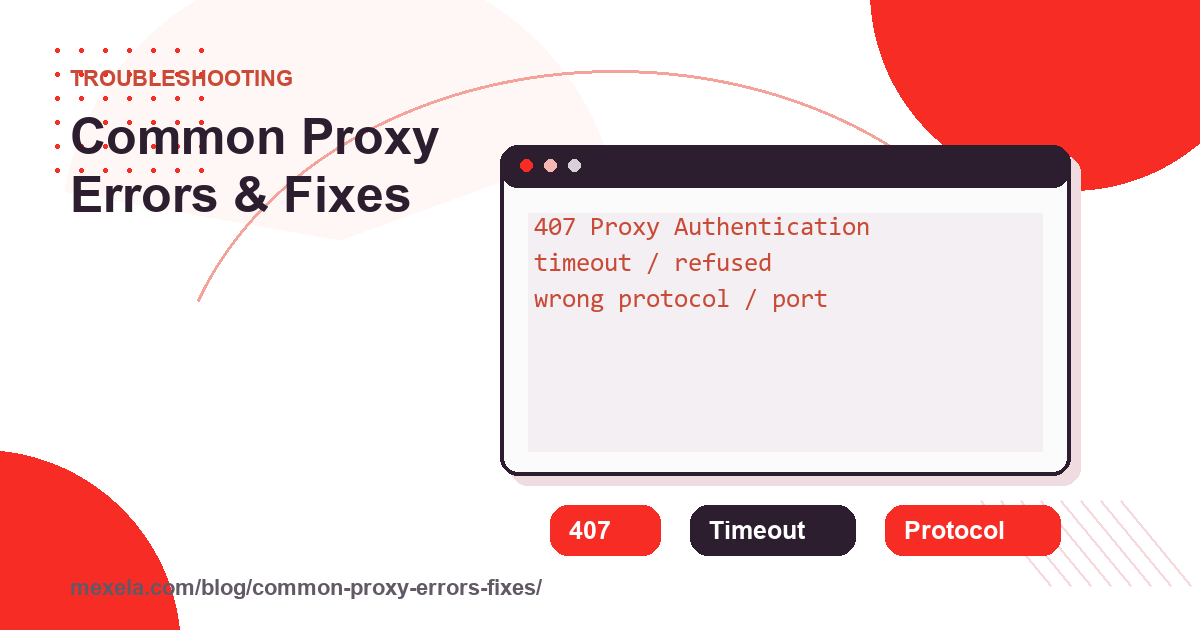
Fix a proxy error by locating the failing boundary before changing configuration. Confirm the direct client path, resolve and reach the proxy, authenticate with the documented method, verify protocol and TLS, then compare the destination response. Random endpoint replacement can hide the cause and repeated retries can worsen rate limits.
Scope: this is a symptom-to-layer repair guide. Establish evidence first with the proxy test sequence, and use the Proxy Testing and Troubleshooting hub for related diagnostics.
For Go-specific 407, CONNECT, environment, and NO_PROXY failures, follow the Go net/http proxy troubleshooting guide and verify the exact transport used by the application.
407: proxy authentication required
MDN defines HTTP 407 as a response requiring authentication with the proxy. Check whether the endpoint expects username and password, source-IP allowlisting, or both. Confirm the credential belongs to the proxy rather than the destination account and that any special characters are handled by the client’s structured fields.
Failure signal: a reproducible 407 shows the proxy is reachable enough to answer but did not accept the presented authentication. Stop repeated guesses, verify the public allowlisted address, and rotate any secret that appeared in logs or screenshots.
Timeout: identify connect, handshake, or response delay
A connect timeout points toward DNS, route, firewall, wrong host or port, an offline listener, or severe overload. A timeout after connection can belong to proxy negotiation, TLS, or the destination. Set explicit connect and overall timeouts so logs preserve that distinction; curl’s connect-timeout documentation explains the first boundary.
Compare a nearby approved destination, one generic exit endpoint, and the real target. If only the target times out, the proxy may be healthy while the destination path or policy is not.
DNS: determine who resolves each name
The client must resolve the proxy gateway unless it connects to an address directly. Destination resolution may happen on the client or at the proxy depending on protocol and application. Record the configured mode, test the gateway name separately, and check whether VPN, secure-DNS, or browser policy overrides it.
A DNS failure before the proxy connection differs from a proxy response reporting it cannot resolve the destination. Preserve the exact error text and hostname without recording authentication data.
TLS: never repair a certificate error by disabling validation
Unknown issuers, hostname mismatches, expired certificates, and changed trust chains are stop signals. Check the device clock, destination name, trusted corporate inspection policy, and whether the client actually created a tunnel. Disabling verification converts a visible security failure into silent exposure.
If direct TLS succeeds but proxied TLS changes unexpectedly, capture certificate metadata and escalate to the accountable proxy operator. Do not install an unknown root certificate to make the warning disappear.
Destination response: 403, 429, challenges, and application errors
A 403, 429, challenge page, or application-level denial comes from the destination after some network path succeeded. Compare the direct baseline, account state, request headers, authorization, and rate. Changing IPs is not a general fix and may make sessions less consistent.
Authorization and rate-limit limits: use only approved destinations and accounts, honor retry guidance, cap concurrency, prefer official APIs where required, and stop if the response indicates the workflow is not permitted. Redact cookies, tokens, and proxy credentials from evidence.
Layered diagnostic sequence
- Confirm a direct baseline when policy permits.
- Resolve the proxy gateway and test its port once.
- Verify protocol and authentication without exposing secrets.
- Request a trusted exit-IP endpoint with TLS validation enabled.
- Record DNS behavior and certificate metadata.
- Test one authorized destination action.
- Compare status, timing, and failure layer before changing anything.
Continue with the authentication guide for 407-specific configuration. Keep a known-good endpoint note so later regressions can be compared rather than guessed.
When ordinary HTTPS succeeds through the proxy but DNS, WebRTC, or IPv6 appears different, follow the proxy leak test. That is a routing-scope diagnosis, not evidence that every symptom comes from a failed endpoint.
Escalate or replace only after evidence identifies the proxy layer
If repeated tests show the assigned endpoint itself is offline, unstable, or incorrectly provisioned and the workflow needs an exclusive supported route, compare current private proxy options only after documenting the failing host label, time, protocol, and non-secret evidence. A new IP will not fix destination authorization or excessive request volume.
What evidence should accompany a proxy support request?
Include the client and version, a non-secret endpoint identifier, UTC timestamp, destination hostname, authentication method, exact error and failing stage. State whether a direct control succeeded. Redact credentials, account tokens and private response data. This lets support distinguish gateway reachability from authentication, TLS and a destination-side refusal.
For the related implementation or diagnosis, record failures by connection stage.